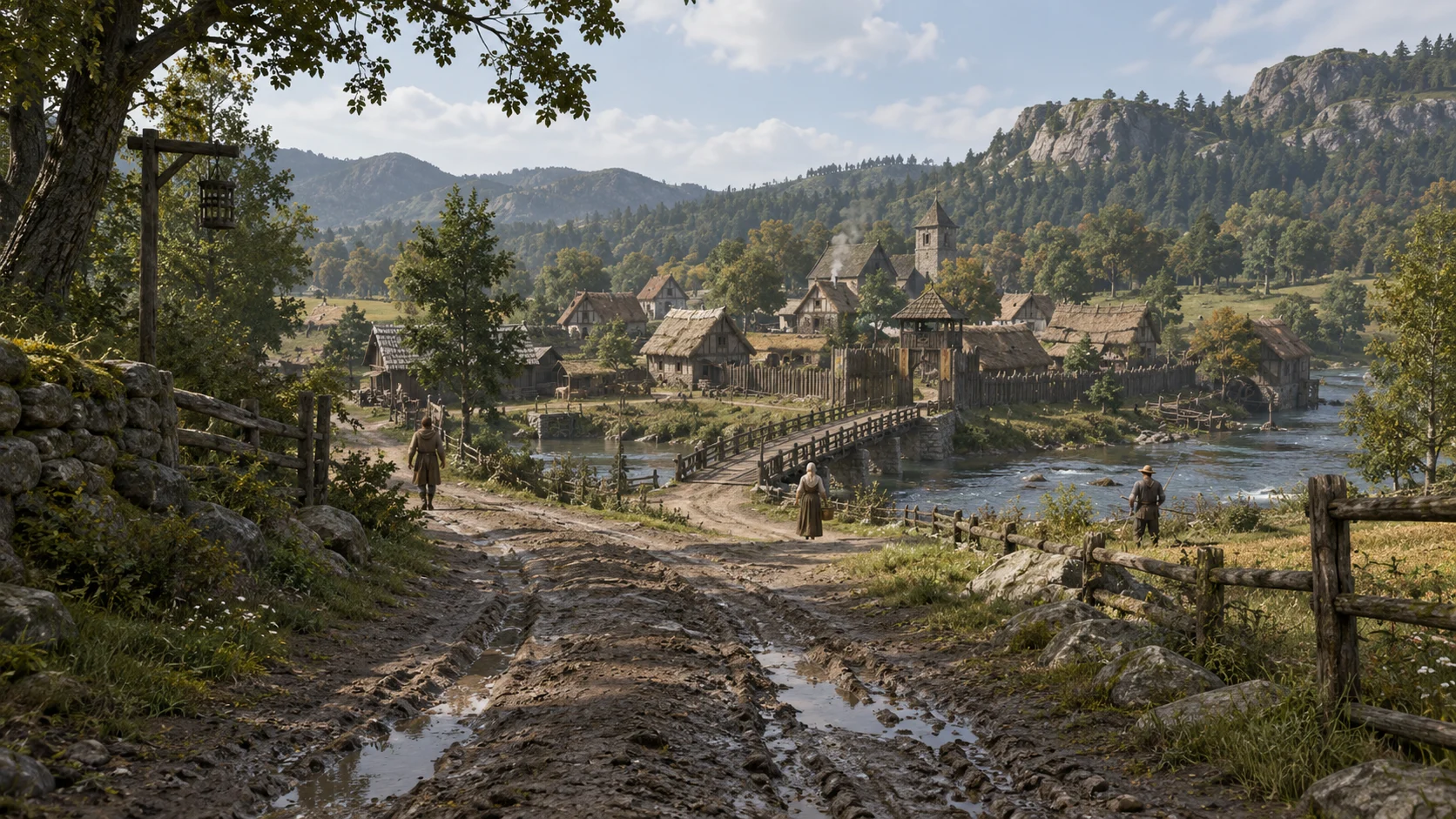
AI that works inside Unreal.
Unreal Engine · MCP · Claude & Codex
A useful coding agent needs to see what is already in the project. Through Unreal's MCP tools and project-specific editor tools, it can inspect assets, change a Blueprint, adjust a material or import a model in the same environment where we work.
The important part is the return trip. After making a change, the agent reads the saved asset, checks the relevant properties and captures the result in the editor or a running session. A successful tool call tells us an operation ran; the game still has to behave and look right.
For Lostern, this is the approach to automating work across animation, materials, UI, effects and scene setup. C++ owns the underlying game systems, while Blueprints keep iteration accessible in the editor. Claude and Codex help with implementation and diagnosis, with their work checked against the real project.
The tool connection matters more than the model alone: inspect the current state, make a specific change, then check the result.
Editable assets from AI-assisted tasks.
Blender · Substance 3D Painter · Houdini · Python
AI-assisted production is much more useful when the output is a model, layer stack or node graph that can be worked on again. The asset workflow carries the native Blender, Painter and Houdini files alongside exports, texture maps and the scripts used to build them.
Each asset is treated as a small, repeatable job with its own inputs, settings and checks. Claude or Codex can work through a Python bridge to the application's native API, then reopen the saved result to check it. The same source files can be revised by an artist or picked up in a later AI session. A change to proportions, materials or export settings carries through from that source.
Give surface details a physical meaning.
A dark mark in a texture could be dirt, a stain or a hole. Turning its brightness into surface depth won't tell those apart. For AI-assisted material work, the job needs to describe what each feature is and which channels it should affect. Editable Painter layers and masks preserve that meaning across colour, normal maps and roughness.
Neutral light, side light and isolated material channels help check the result. This is especially useful for worn timber, stone and cloth, where a convincing colour image can hide a flat or inconsistent surface.
Custom MetaHumans and assisted grooming.
MetaHuman · Maya / XGen · Control Rig · MetaHuman Animator
The character approach starts with original faces and body shapes, using MetaHuman's custom-mesh tools as a route into its topology and rig. Skin, hair, clothing and proportions are then developed for the same medieval setting.
The rig also gives us a common base for animation work. MetaHuman Animator provides a route for facial performance, while Control Rig allows corrections inside Unreal. The checks happen on a moving character, including expressions and the fit of the face, hair and clothing together.
Split hair work where it makes sense.
For hair, the approach connects AI to Maya/XGen through a local tool bridge. It can help prepare scalp regions, density masks, guide groups and export settings in the working scene. An artist can then shape the silhouette, hairline and strand groups with the grooming tools, while the agent handles the next round of technical preparation and checks.
Keeping those parts separate means the hairstyle can change without repeating all the technical setup. It also leaves the groom understandable to another artist when a specialist needs to take over.
MetaHuman custom-mesh tools
A wardrobe built for body variants.
MetaHuman Wardrobe · MetaTailor · Chaos Cloth
Reusable clothing needs a defined set of body shapes it actually fits. The proposed wardrobe workflow uses MetaTailor for fitting and skinning to selected MetaHuman bodies, then checks each supported variant through a range of motion. A garment looking right in a standing pose is only the beginning.
Body coverage, skin weights and cloth movement are separate decisions. We want those controls preserved through revisions and optimisation, so fixing one part doesn't silently undo another.
- The visible garment
- Retains the folds, materials, skin weights and silhouette that define how the character looks.
- The simulation garment
- A simpler mesh handles cloth movement, attachment areas and body collision where simulation adds something useful.
This gives Chaos Cloth a more manageable surface to simulate. It also lets us decide which pieces need cloth simulation and which are better served by the character's rig.
One simulation, several runtime options.
Houdini · Alembic / OpenVDB · Niagara
Houdini allows an effect to remain an editable simulation, with its construction recorded in a node graph. The real-time version can take a different form: an animated mesh, a flipbook texture or a Niagara effect, depending on what the scene needs.
Alembic geometry and OpenVDB volume caches are useful intermediate outputs for reviewing the motion and carrying it between tools. The final representation for Unreal still needs its own checks for frame rate, scale, memory and rendering cost.
That separation lets us revise the source simulation while trying cheaper ways to display it in the game. A detailed effect doesn't have to repeat every step of its original simulation during play.
Automate the comparison, keep the decision.
InstaLOD · Unreal profiling · Character LODs
The optimisation approach gives an AI-assisted asset job a repeatable way to produce and compare candidates. InstaLOD's Python tools can apply reduction settings to the same source asset, keeping the original intact. Matched views then make the trade-offs visible before a candidate is brought into the game.
Reduction and remeshing have different consequences for topology, UVs and material projection. The review needs to show silhouette changes, shading problems and damaged seams at the intended viewing distance. An agent can prepare those comparisons; choosing an acceptable result still takes visual judgement.
In Unreal, the next check is the whole scene: characters, hair, clothing, lighting and effects together. LOD choices and simulation detail need to reflect distance and workload. A village full of people has different costs from a single character close to the camera.
The useful automation is in preparing consistent candidates and review material. A lower polygon count on its own says very little about the result.
Give AI a record of what went wrong.
C++ · Navigation · Behaviour traces · In-game debug views
When an NPC gets stuck or keeps returning to the wrong place, the visible symptom rarely explains the cause. The debugging approach records the events it received, its current decision, its movement target and the result of that movement.
For example, repeated noise events from a physics object can keep a character in a search state. A trace of those events makes that cause visible. Changing a timer or adding another condition may only hide it.
We want the trace, in-game overlay and relevant source code available together. An AI assistant can then follow the chain from an event to a decision and a movement result, propose a specific correction and repeat the scenario. That is a much better starting point than asking it to guess from a description of an NPC looking broken.
Here, character AI means the game's own behaviour systems. Claude and Codex support development and debugging.
Co-op checks an agent can repeat.
Unreal networking · Automation · UMG / Slate · Diversion
Co-op changes the way a system needs to be tested. One player can join after something has happened, two people can interact with the same object, and a saved world has to make sense when it is opened again.
Through editor tools and Unreal automation, an agent can launch separate host and client processes, run a defined scenario and collect the state and captures from each side. The approach checks both the shared simulation and the feedback players receive: UMG/Slate interfaces, audio and Niagara effects.
This makes a failing session reproducible after a code change. Logic checks establish what the system did; the running clients show animation, input and visual feedback. Both are needed to catch cases where the state is correct but a player sees the wrong result.
Keep the evidence with the change.
Source files, assets and working notes stay in version control through Diversion. A test result belongs to a particular source version and build, with the relevant logs and captures alongside it. That gives the next work session, whether human or AI-assisted, a clear starting point.
The same idea applies to asset jobs: retain the editable source, export and review images together, so a revision begins from the actual work that was last accepted.